Opening the Window
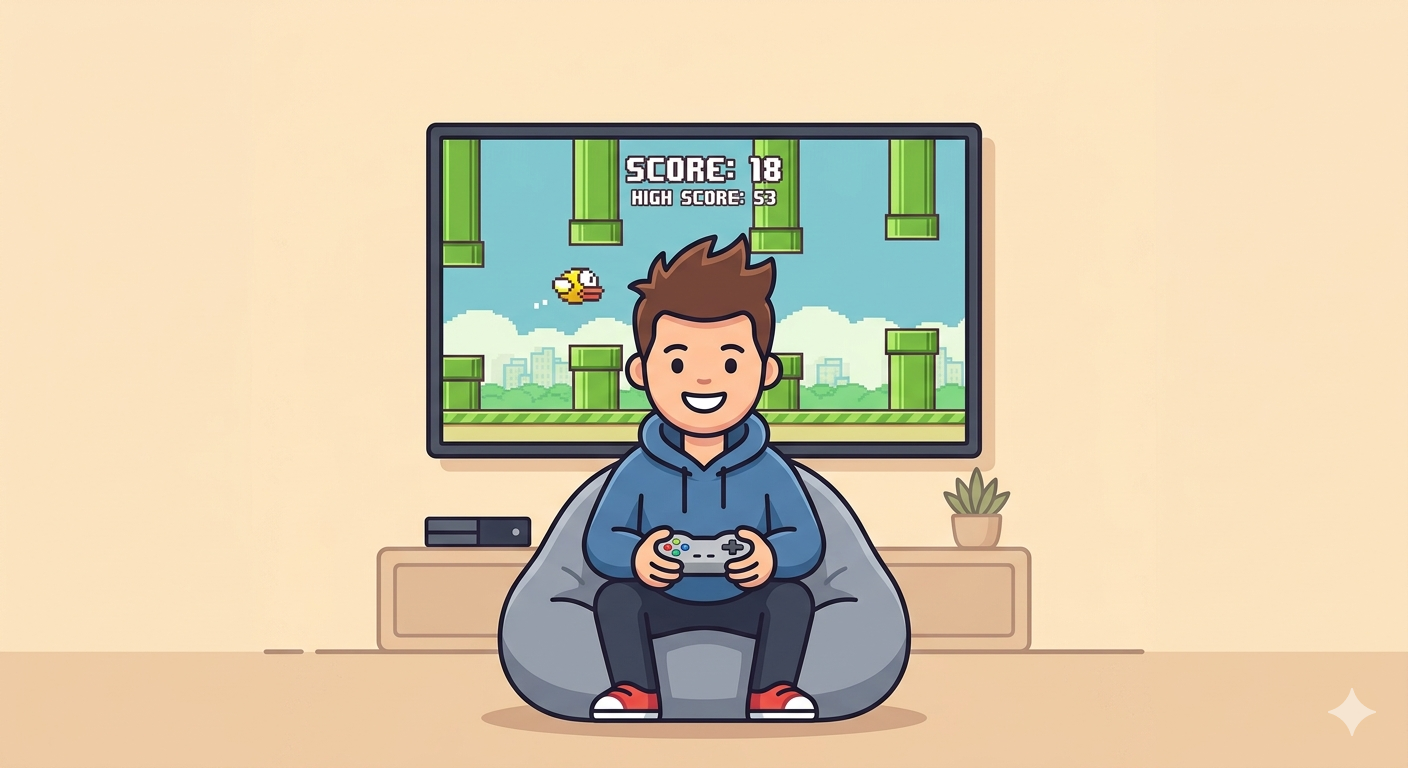
You are about to build Flappy Bird from scratch using Python. Every game starts the same way: with a blank window. Let’s make one.
Your First Game Window
This is all the code you need to open a window and paint it sky blue. Hit Run Code to see it in action.
import pygamepygame.init() screen = pygame.display.set_mode((400, 600))screen.fill((135, 206, 235))pygame.display.update()The Invisible Grid
Your game screen is like graph paper. Every pixel has an address made of two numbers: X and Y.
X and Y
X = how far right. Y = how far down. Want to move something down the screen? Make Y bigger. It is the opposite of math class.
Where is (0, 0) on a game screen?
The Heartbeat
A game is not a single picture. It redraws the screen over and over, about 60 times per second. This is called the game loop.
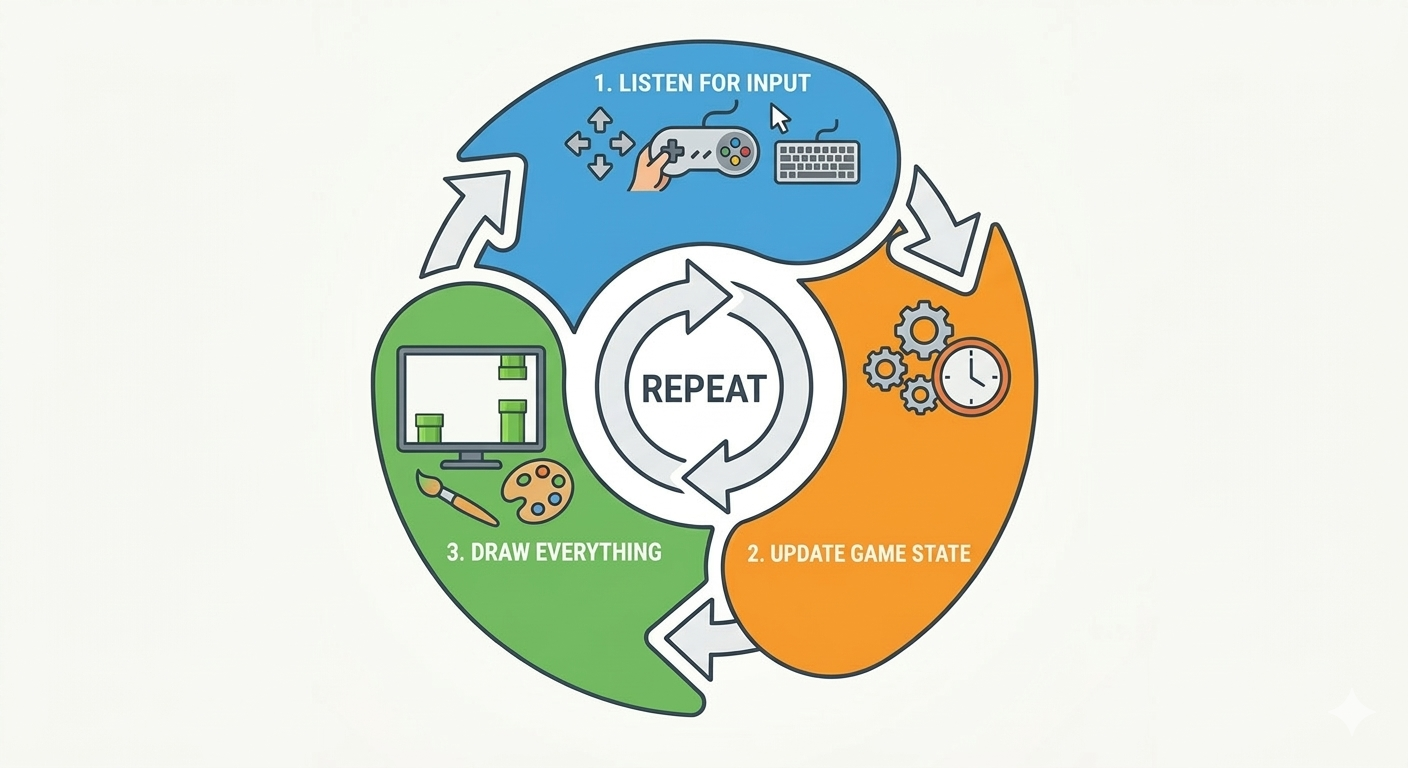
Why a loop?
Movies show 24 pictures per second. Games show 60. Each picture is called a “frame” and your
code draws every single one. A while True loop
makes this happen.
What does the game loop do?
Your Turn: Set the Size
Fill in the blanks to create a 400x600 game window.
Level Goal
Create a portrait-mode screen 400 pixels wide and 600 pixels tall.